REVIEW · MILAN
Pinacoteca Ambrosiana audioguide
Book on GetYourGuide →Operated by Veneranda Biblioteca Ambrosiana · Bookable on GetYourGuide
One app, a quieter museum pace. The Pinacoteca Ambrosiana audioguide turns your smartphone into a walking companion through the museum’s artwork collection, with six languages to choose from. Download the app, use the activation code, and you’ll have guided listening as you follow the exhibition path.
I like that it comes with 50+ exclusive audio descriptions and museum comments for major artists named right in the track list—Titian, Leonardo da Vinci, Raphael, Caravaggio, Brueghel, and more. I also like that you can keep access to the content even after you leave, so your visit doesn’t have to end when you walk out the door.
The main drawback is practical: headphones are not included, and you’ll be relying on your own charged smartphone (or using phone mode). If your expectations are very “long narrated stories per painting,” you should also plan to read the signage as you go, since some audio can overlap with text you’ll already see.
In This Review
- Key things worth knowing before you go
- What this Pinacoteca Ambrosiana audioguide actually does
- Getting set up: activation code, languages, and phone mode
- Inside the museum: following the path with 50+ artwork tracks
- What makes the sound content useful
- The art highlights you’ll hear about: Leonardo, Raphael, Caravaggio, Brueghel, and more
- A balanced expectation (one possible snag)
- Time and pacing: making the most of the 2-hour experience
- Skip-the-line helps, but don’t skip the basics
- Price and value: what $4.71 buys you in the real world
- Who this works best for (and who may want another option)
- Potential snags to plan for
- Headphones and battery are the make-or-break items
- Audio depth can vary
- Opening conditions can affect what you can use
- Should you book this audioguide?
- FAQ
- How long is the Pinacoteca Ambrosiana audioguide experience?
- How do I activate the audioguide on my phone?
- Is the audioguide available in multiple languages?
- Do I need headphones?
- Can I listen to the content after my visit?
- Is it worth it if I only have a short time in the museum?
- Can I skip the ticket line?
- Is it wheelchair accessible?
- What’s the cancellation policy?
Key things worth knowing before you go
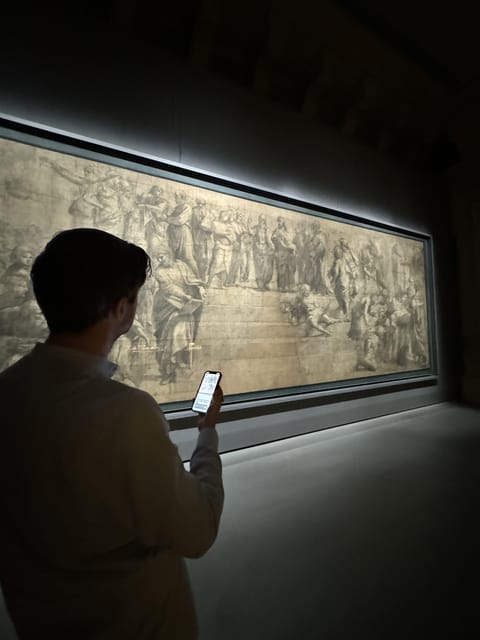
- Code-activated access you keep: once activated, the content remains available after the visit.
- 50+ artwork tracks: more than 50 exclusive audio descriptions and comments.
- Six language options: pick your language before you start and stay with it.
- Big-name art coverage: audio includes works by Titian, Leonardo da Vinci, Raphael, Caravaggio, Brueghel, and more.
- Skip-the-line benefit: ticket line skipping is included, saving time when you arrive.
- Bring your own listening setup: headphones aren’t provided, and you’ll use your phone.
What this Pinacoteca Ambrosiana audioguide actually does
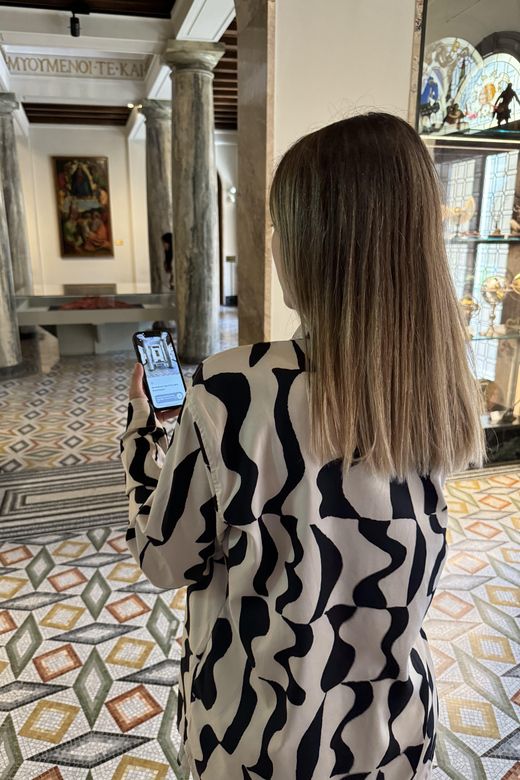
This isn’t a live guide pointing at things. It’s an app-based audioguide designed to move with you through the Pinacoteca Ambrosiana artwork collection.
The value is in the combination: you’re not just getting background noise. You get audio descriptions tied to what you’re seeing, plus museum comments that add context while you walk the exhibition path. That matters in a place like this, because you’re often trying to decide where to focus in a limited time window.
And because the tour is listed at about 2 hours, the pace is built for a “see a lot, understand more” kind of visit. It’s a good match for travelers who want structure but don’t want to be herded.
You can also read our reviews of more tours and experiences in Milan.



Getting set up: activation code, languages, and phone mode
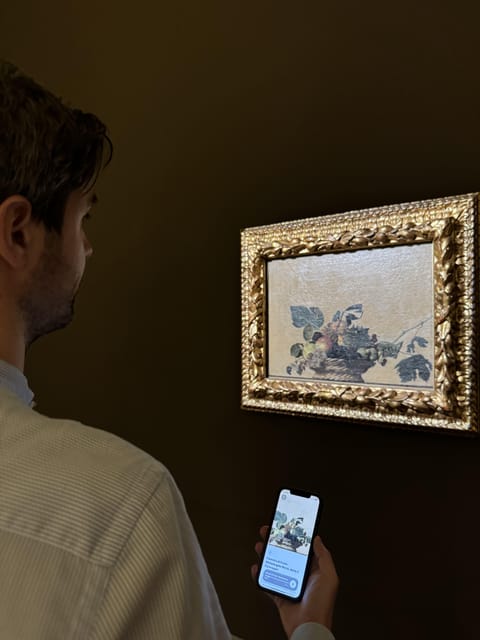
To use the audioguide, you download the app on your smartphone and activate it with a code you receive. That’s the key step—no code, no audio access—so do it before you start walking if you can.
You’ll also choose among six available languages. The practical advice: pick the language you can listen to comfortably for a full 1–2 hours. Nothing kills flow like switching midway because the narration is tiring.
Next issue: headphones are not included. You’ll need either:
- headphones you bring, or
- listening in phone mode (the app supports that, but it’s not as comfortable in a museum setting).
Finally, plan around your device. The activity data is clear: bring a charged smartphone. In real-world museum use, a “battery anxiety” phone moment can ruin the experience faster than any painting.
Inside the museum: following the path with 50+ artwork tracks
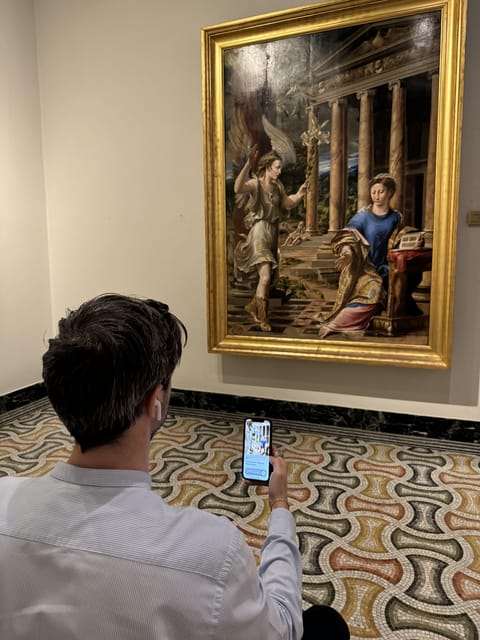
Once you’re in, the audioguide is built to guide you through the exhibition path. The track count is a major plus: more than 50 exclusive audio descriptions plus comments from the museum.
Here’s how to use that effectively. Instead of trying to listen to everything at full volume, treat the audio like a tool:
- Listen when you stop at a work long enough to absorb it.
- Skim when you’re in transition between rooms.
- Don’t feel guilty if you miss a track—your goal is understanding what you actually saw.
That “guided path” part is also about time control. One of the strongest reasons people like audioguides in general is simple: when you only have a limited window, you don’t end up wandering. This one is designed to keep you moving in the right direction, so you get more out of each room.
What makes the sound content useful
You’re not just getting generic background. The app includes:
- audio descriptions of artworks, and
- museum comments connected to the collection.
That pairing is what turns “I saw it” into “I noticed that.” Even if you’re not a super-art-nerd, it helps you make sense of style, subject, and significance as you look.
The art highlights you’ll hear about: Leonardo, Raphael, Caravaggio, Brueghel, and more
The audioguide’s highlight list reads like a wishlist of Renaissance-to-Baroque heavyweights: Titian, Leonardo da Vinci, Raphael, Caravaggio, Brueghel, and more.
You should think of these tracks as anchor points for your visit. When you reach one of those works, the audio is there to help you slow down and look with intention. Instead of jumping from room to room, you can use the major names as “checkpoints” where you listen more carefully.






A balanced expectation (one possible snag)
One drawback that’s worth mentioning is listening style. Some people found that parts of the audio felt like they duplicated what was already shown as text in the museum space, and they felt the audio didn’t always cover enough paintings in detail for the price.
So here’s the practical takeaway: don’t assume every track is the same length or depth. Plan to combine listening with your own looking and whatever short labels you see on-site. If you come in expecting every single painting to get a full narrated deep explanation, you might leave slightly underwhelmed.
Time and pacing: making the most of the 2-hour experience
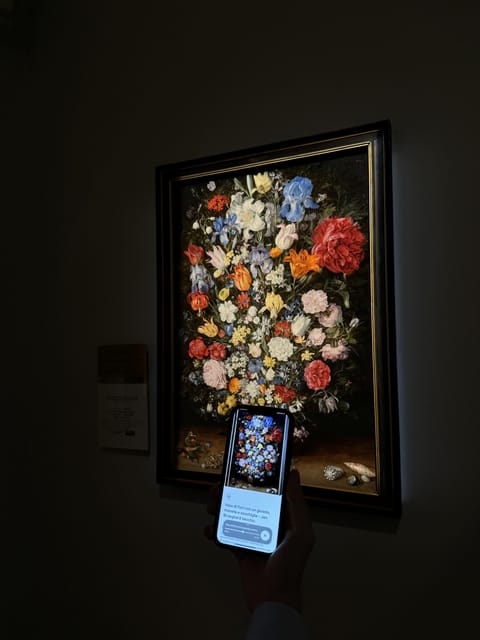
The experience is listed at 2 hours, and that’s a real constraint. In a museum, two hours can fly by if you’re wandering without a system.
My advice is to use the audioguide like a timer:
- First pass: pick up the major works and the tracks that match your interests.
- Second pass (only if time allows): return to the works you liked most and listen more closely.
Also, keep the “2 hours” target in mind when you decide how long to stop at each artwork. If you linger too long early on, later rooms can turn into a rush.
Skip-the-line helps, but don’t skip the basics
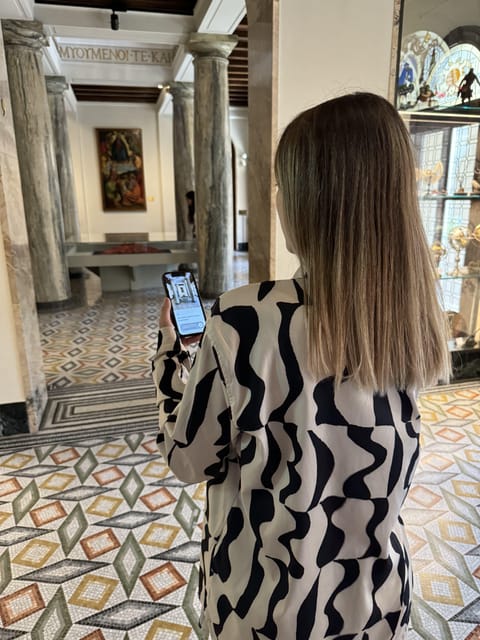
This audioguide experience includes skip-the-ticket-line. That’s a real quality-of-life upgrade, especially when you’re on a tight schedule and you want to start listening sooner.
But skip-the-line doesn’t eliminate everything. You still need your phone ready, headphones packed, and the activation code in hand. If your phone battery is at 12% and you’re standing at the entrance, that’s when the museum experience becomes a tech support session.
And one more reality check: museums sometimes change access due to events. The audioguide can’t create artworks where there aren’t any to see, so it’s smart to verify the museum is open and operating as expected on your visit day.
Price and value: what $4.71 buys you in the real world
At $4.71 per person, you’re paying for a low-cost way to add structure and interpretation. That price makes sense for a smartphone audioguide, but value depends on how you use it.
Here’s what makes it feel like good value:
- More than 50 exclusive audio descriptions is a lot of content for the cost.
- The museum comments mean you’re not just hearing random facts.
- The content stays available after the visit, so you can revisit what stood out to you.
Here’s when it might feel less worth it:
- If you arrive with a dead phone battery, the audioguide becomes a paperweight.
- If you expected long, highly detailed audio for every painting, you may find the listening style uneven compared to a full live tour.
In other words: it’s good value when you treat it as an aid to your own looking, not as a replacement for it.
Who this works best for (and who may want another option)
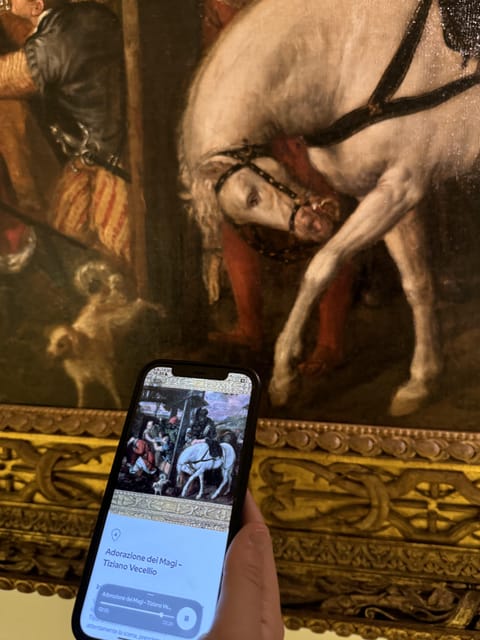
This is a strong fit if you:
- want a self-guided museum experience that still feels organized,
- like listening while you walk, especially for major artists like Leonardo da Vinci and Caravaggio,
- are traveling with limited time and want a path that keeps you on track.
It’s also good if you want content you can revisit later, since the audioguide access remains yours after the visit.
Consider an alternative if you:
- hate relying on your smartphone for a core part of the day,
- don’t plan to bring headphones and prefer quiet, private listening,
- expect the audio to be the single source of interpretation, painting by painting, with no overlap from what’s already displayed on-site.
Potential snags to plan for
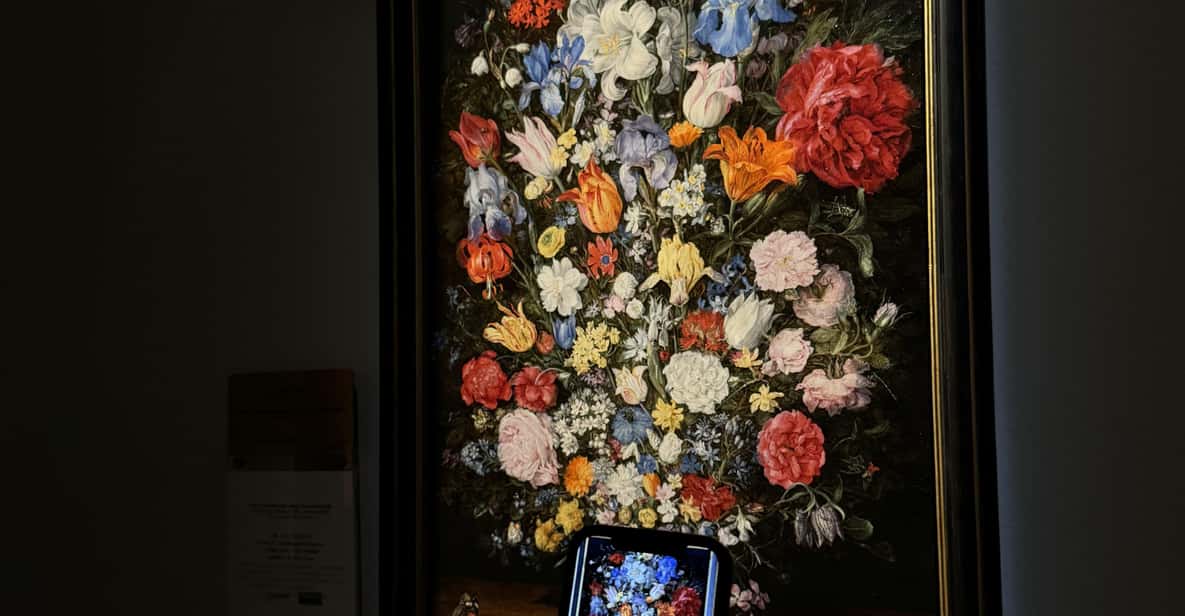
Here are the practical issues that can affect your enjoyment, based on the kinds of problems people raise about this type of audioguide experience.
Headphones and battery are the make-or-break items
The app is straightforward, but your setup matters. Bring a charged smartphone. Bring headphones if you like a more immersive listen. If you don’t, phone mode is an option, but your audio may be less comfortable.
Audio depth can vary
Some feedback suggests that certain audio tracks may feel similar to text you see in the museum, and that not every piece gets the same level of description. That doesn’t mean the guide is bad—it means you’ll get the best results when you treat it like guidance, not like a detailed lecture.
Opening conditions can affect what you can use
If the museum isn’t open as expected (for example, due to a private event), you’ll lose the chance to experience the audio alongside the artworks. The best defense is to check the museum’s status before you go.
Should you book this audioguide?
If your goal is a structured, low-cost way to enjoy the Pinacoteca Ambrosiana collection for about 2 hours, this is an easy yes—especially because you get 50+ exclusive audio tracks in six languages, and access remains available after your visit.
Book it if you’re the kind of visitor who likes to walk, pause, and listen while you look. Skip it (or think twice) if you want a highly detailed narrated experience for every single artwork with no dependence on your phone setup.
FAQ
How long is the Pinacoteca Ambrosiana audioguide experience?
It’s listed as 2 hours, with starting times depending on availability.
How do I activate the audioguide on my phone?
You download the app on your smartphone and use a code you receive to activate and access the content.
Is the audioguide available in multiple languages?
Yes. The content is available in six languages.
Do I need headphones?
Yes. Headphones are not included, so you’ll need to use your own headphones or listen in phone mode.
Can I listen to the content after my visit?
Yes. The information says the content remains accessible also after the visit.
Is it worth it if I only have a short time in the museum?
It’s designed for a 2-hour visit and includes guided listening along the exhibition path, so it’s a practical choice when time is limited.
Can I skip the ticket line?
Yes. Skip the ticket line is included.
Is it wheelchair accessible?
Yes. The experience is listed as wheelchair accessible.
What’s the cancellation policy?
The activity offers free cancellation up to 24 hours in advance for a full refund.